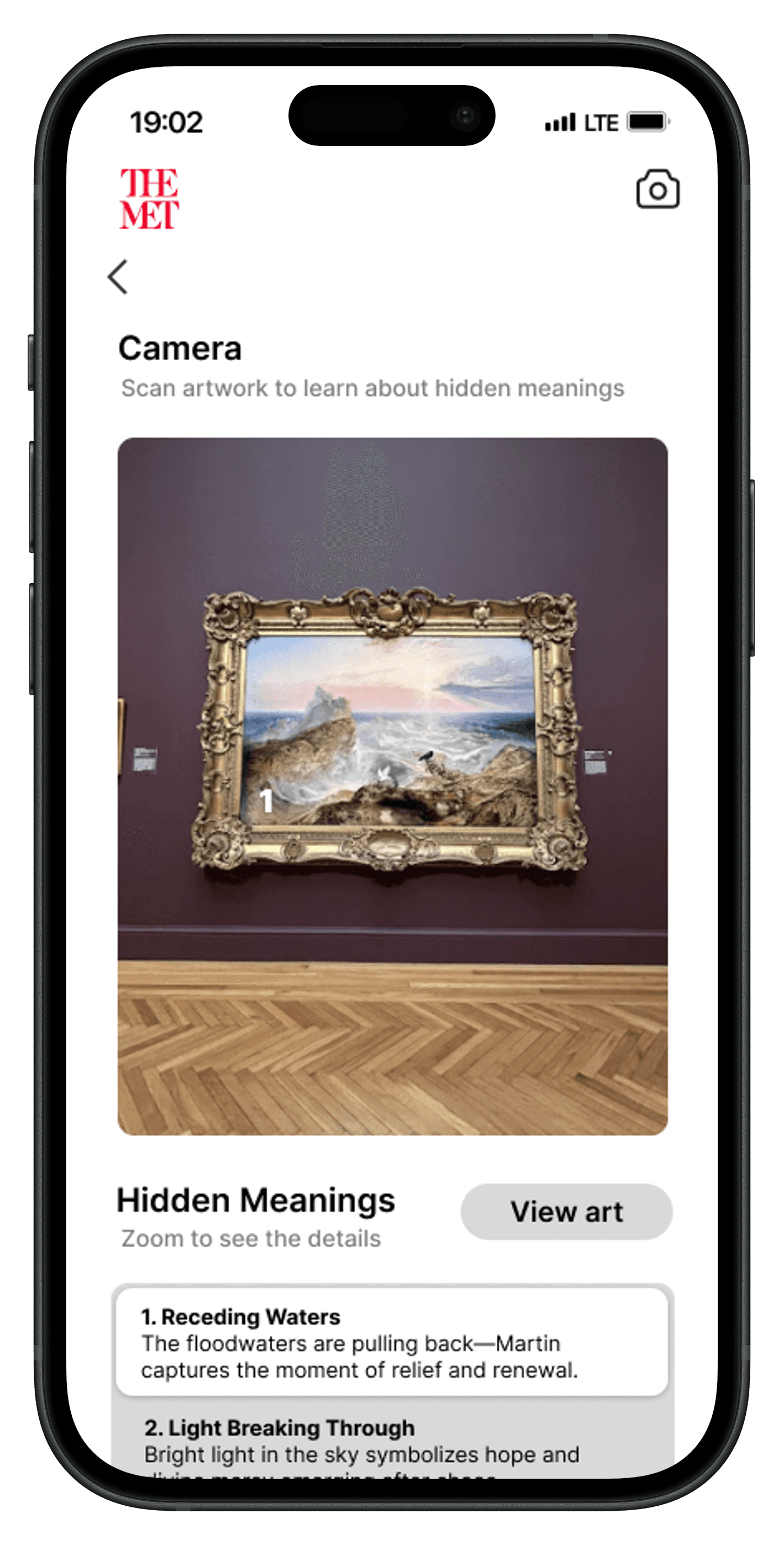
Design Sprint & Mobile Design
Reimagining the Museum Experience Through Guided Art Discovery
A mobile companion that gives museum visitors context on demand, without pulling them out of the moment.


The Problem
Despite the emotional and cultural value museums provide, many visitors struggle to form lasting connections with the artwork they encounter.
Traditional exhibit experiences often rely heavily on long-form descriptions and passive observation, making it difficult for users to engage deeply or retain information after leaving.
Key Insights & Sketching
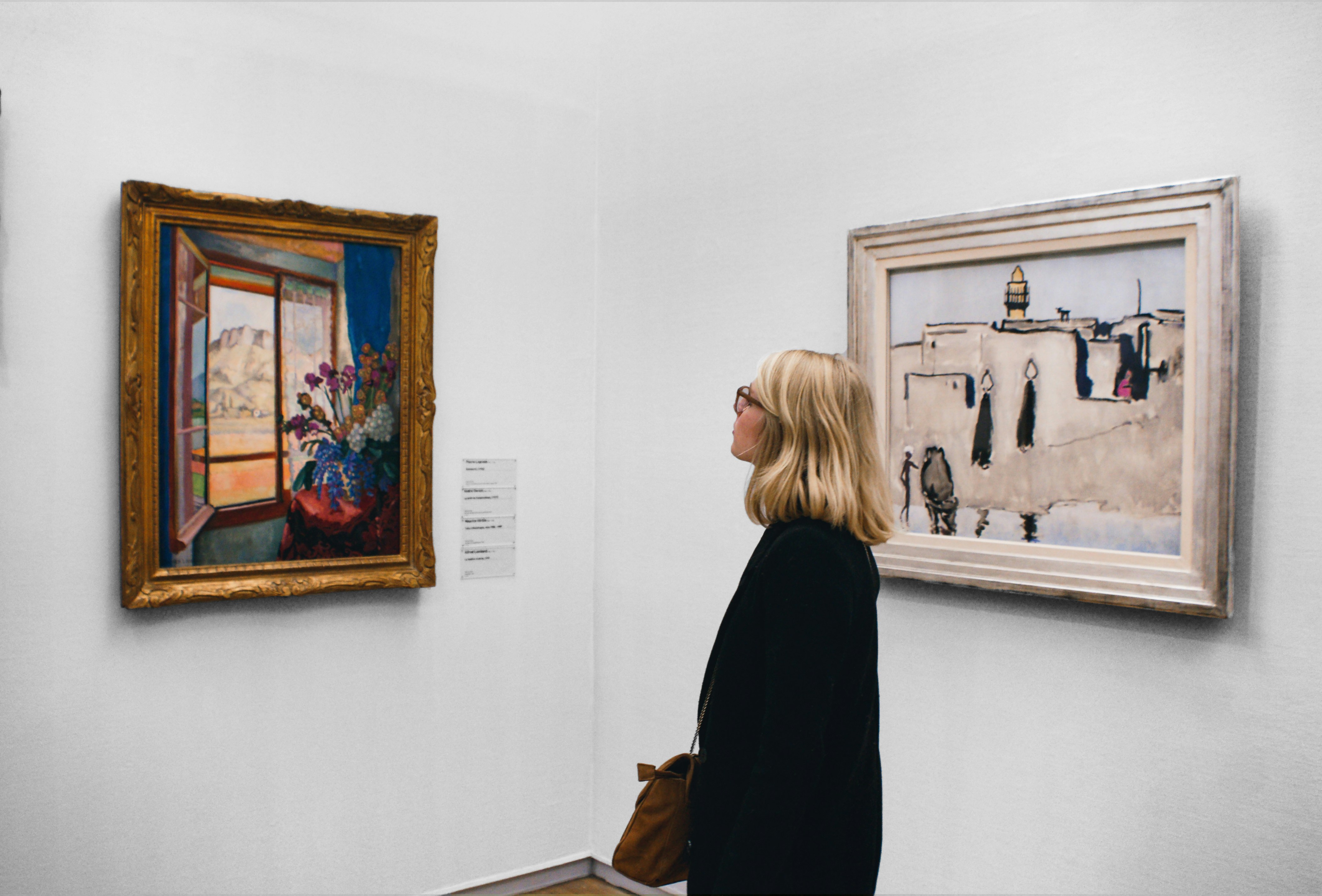
Through early research, I discovered that visitors wanted experiences that felt more personal, interactive, and socially engaging without distracting from the artwork itself.
Through this design challenge, I was given user interview recordings from my mentor. After careful analysis, I synthesized the information into three main insights.
Insight 1
Viewers feel like they don't have context and missed something important
Insight 2
Viewers prefer to be independant, but would like to know more
Insight 3
Viewers are overwhelmed by too much information
“I enjoy looking at art, but sometimes I feel like I’m missing out on the full experience by not knowing any background information or context.”
-Lisa Gerald
Based on the provided research findings, it became clear that visitors wanted experiences that felt more personal, interactive, and socially engaging without distracting from the artwork itself. This revealed an opportunity to design a mobile experience that could enhance exploration, emotional connection, and shared discovery.
Using the research findings as a foundation, I focused on mapping the museum visitor journey in order to identify moments where digital interaction could enhance the gallery experience.

Opportunity 1
Explore without overload
Opportunity 2
Context on demand
Opportunity 3
Make it personal
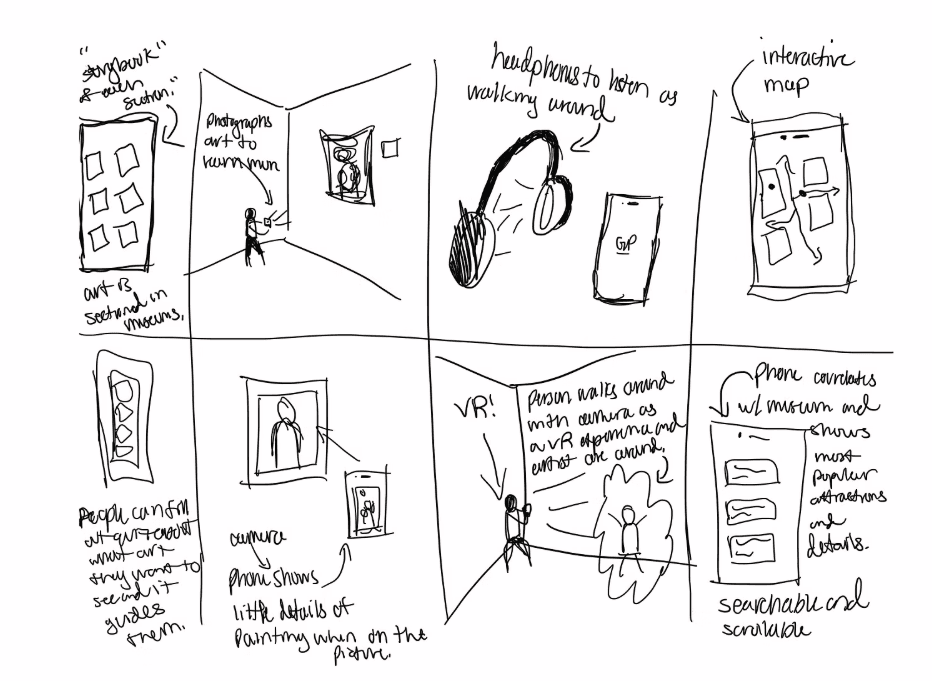
Using insights and identified opportunities, I ran a Crazy 8s sketch to rapidly explore ideas. Rapid sketching let me quickly stress-test which ideas actually supported the museum experience, and which ones just added noise.

Selected Direction
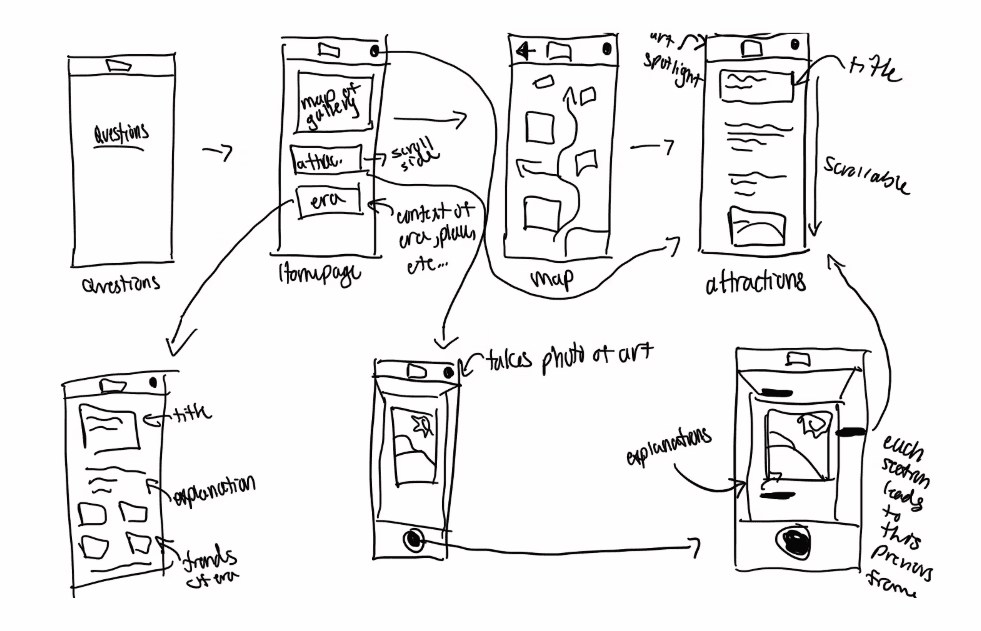
After evaluating the initial concepts, I decided to combine several ideas into a more cohesive experience centered around:

Solution Sketch
Wireframes
I wireframed out the red routes of the application. These wireframes are the ones that I moved into the user testing phase.


Testing & Iteration
I conducted four moderated usability tests on the prototype.
100%
Found navigation confusing
75%
Wanted the option to get deeper information
75%
Said the AR is valuable, but function isn't clear
Based on that feedback, I made three rounds of changes to improve clarity and usability.